![Full Color.png]](https://learn.tryswivl.com/hs-fs/hubfs/Full%20Color.png?height=50&name=Full%20Color.png)
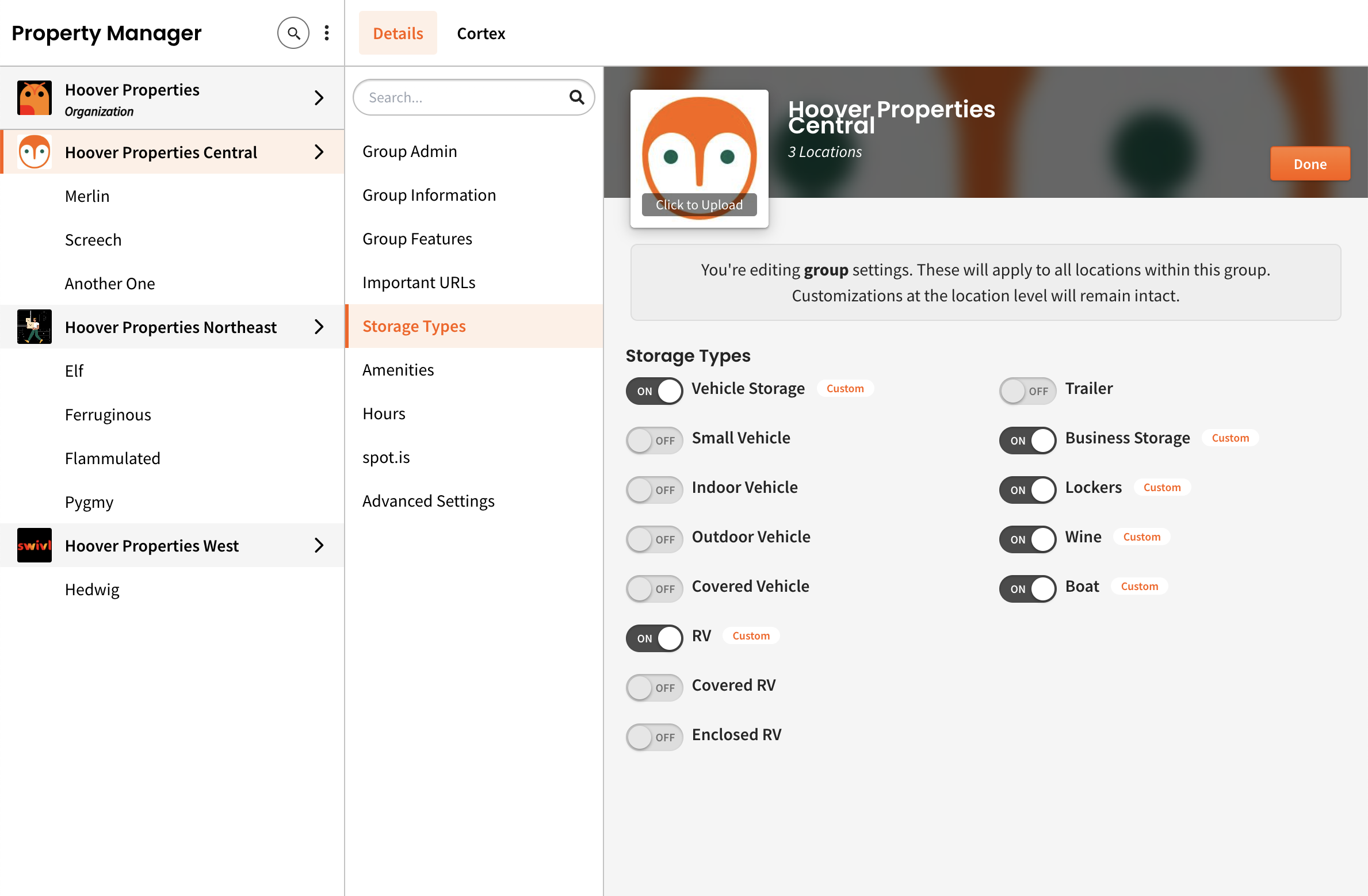
This is where you will define which types of storage each set of locations (or individual locations) provide for your customers. Setting this is important to help your automated bot understand how to answer customer questions appropriately.
To configure storage types for your properties:
- Go to Property Manager and open the Details tab.
- Open the Storage Types section.
- Select the Edit button in the top right.
- Turn ON all the storage types your property offers.
- Click DONE in the top right corner.