![Full Color.png]](https://learn.tryswivl.com/hs-fs/hubfs/Full%20Color.png?height=50&name=Full%20Color.png)
This can be useful when an agent is claiming they didn't receive their Studio invite
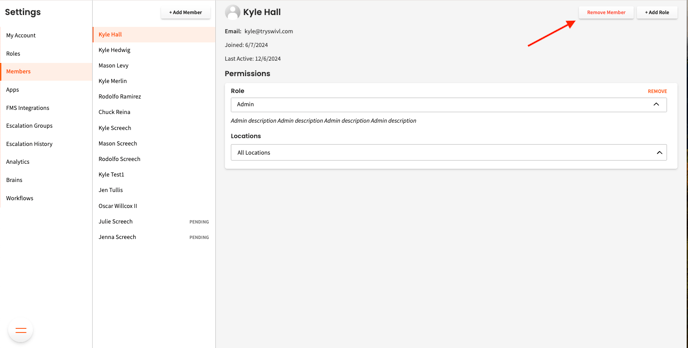
- Go to: https://swivl.studio/settings/users
- Select the agent in the list
- Click Remove Member on the top-right hand corner.
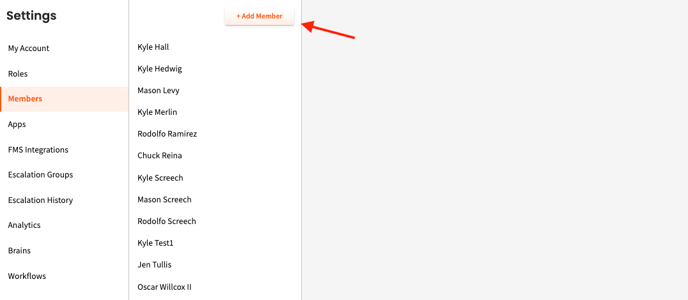
- Click "Add Member" to send a new invite
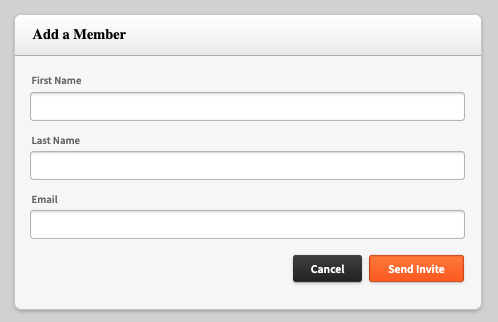
- Input their first name, last name, and email address, set their role as an agent, and then send the invite.
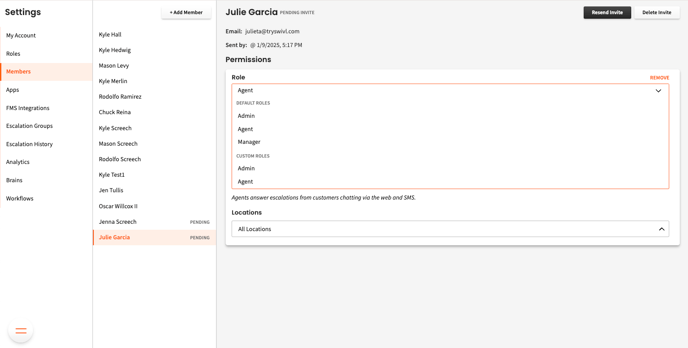
- After sending the invite, you can assign the appropriate permissions by selecting a role and specifying the locations they can access.