![Full Color.png]](https://learn.tryswivl.com/hs-fs/hubfs/Full%20Color.png?height=50&name=Full%20Color.png)
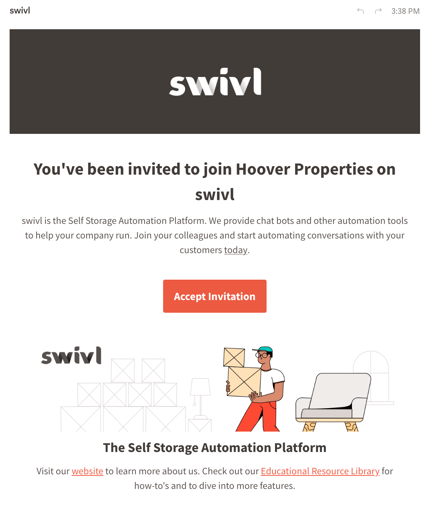
When your manager adds you to swivl, you’ll receive an email from invite@tryswivl.com with a personalized link to set up your account.
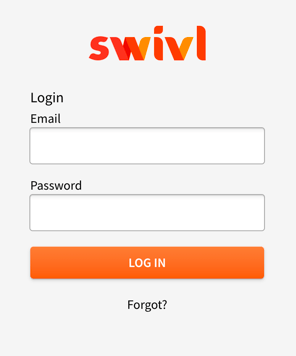
When you click the link, you’ll be redirected to a page that looks like this:
To access swivl's Conversation Page directly, simply click the link below
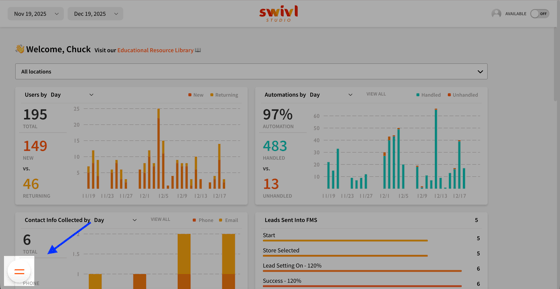
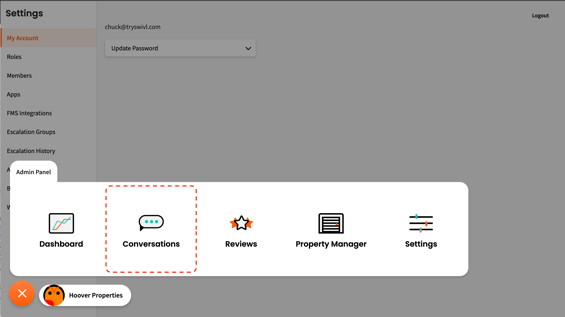
Or navigate to the main menu at the bottom left of your screen and choose Conversations.
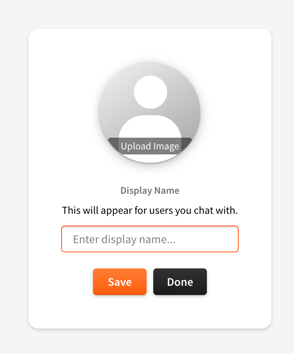
Here, you’ll need to add an avatar image and display name to your profile.
For privacy, we recommend using just the first letter of your last name. Also, if you don’t feel comfortable uploading a picture of your face, ask your manager if it’s okay to use your company logo or a stock photo instead. Note that your agent profile will only need to be set up once.
Click your avatar in the top-right corner of the screen to update your profile picture and display name.
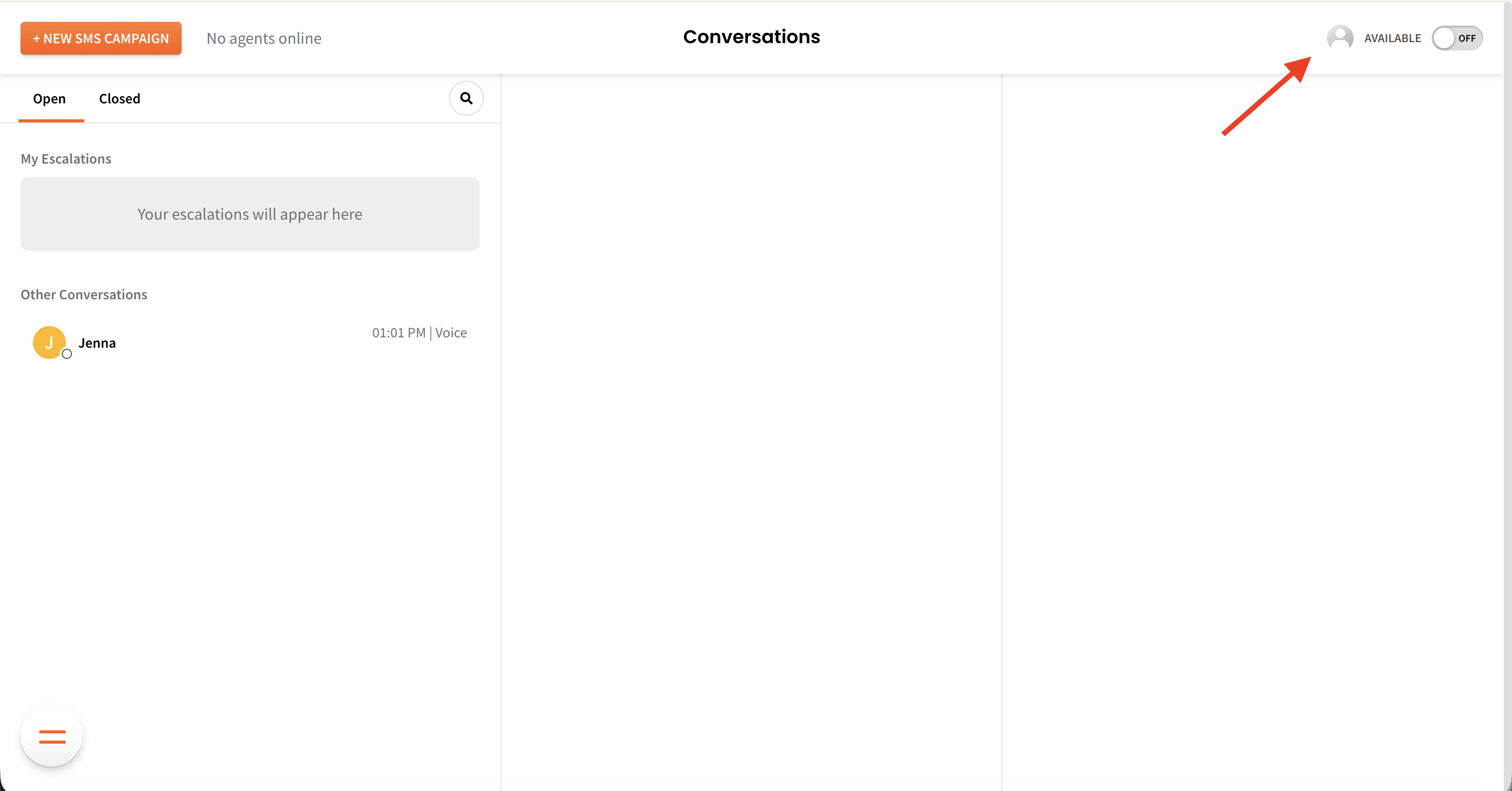
Click the avatar to upload your image, enter your preferred display name, and then select Save and Done.
Whenever you enter a conversation, the user will be notified with your avatar and display name: